
Due to NDA, visuals of the updated system cannot be displayed. This case study focuses on my design process and contributions.

Due to NDA, visuals of the updated system cannot be displayed. This case study focuses on my design process and contributions.

Due to NDA, visuals of the updated system cannot be displayed. This case study focuses on my design process and contributions.

Overview

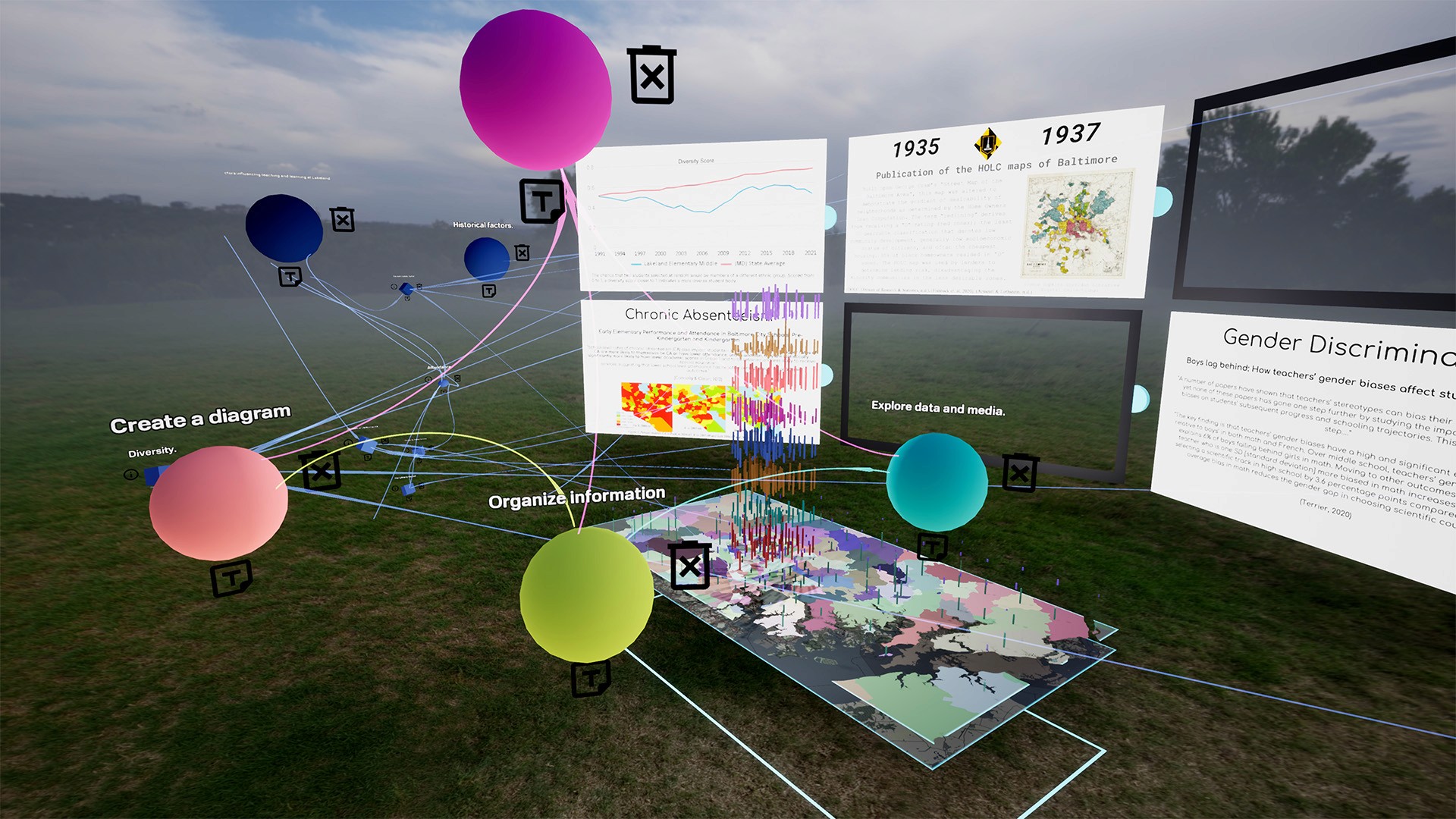
I led the UX design for the REVLR VR interface, focusing on creating a control and settings system for navigation and actions within a data-rich VR environment.

The platform displayed complex data in the background, meaning users needed intuitive controls that allowed interaction without overwhelming the visual environment. Earlier versions of the controls were complicated and difficult to use, creating friction for users navigating the VR space. Through human-centered design and usability testing, the final experience improved user engagement and interaction efficiency

My responsibilities included UX research, user interviews, interaction ideation, VR usability testing, building a scalable design system, collaborating with engineers and directors, and final design handoff.
Impact & Results

+0%

+0%

User Engagement

increase in user engagement by redesigning the VR interface using human-centered design principles

-0%

-0%

Reduced Cognitive Load

cognitive load, improving task efficiency through usability testing and interaction optimization

+0%

+0%

System Standardization

implementation of a scalable VR control design system, improving usability and cross-platform consistency (VR + Web)

How might we reduce cognitive load
and improve task flow in a VR interface
through human-centered control design?

What invisible interaction
barriers prevent users from
returning to VR puzzle experiences?

What invisible
interaction barriers
prevent users from
returning to VR
puzzle experiences?

How might we reduce cognitive load
and improve task flow in a VR interface
through human-centered control design?

Research Question

The Problem

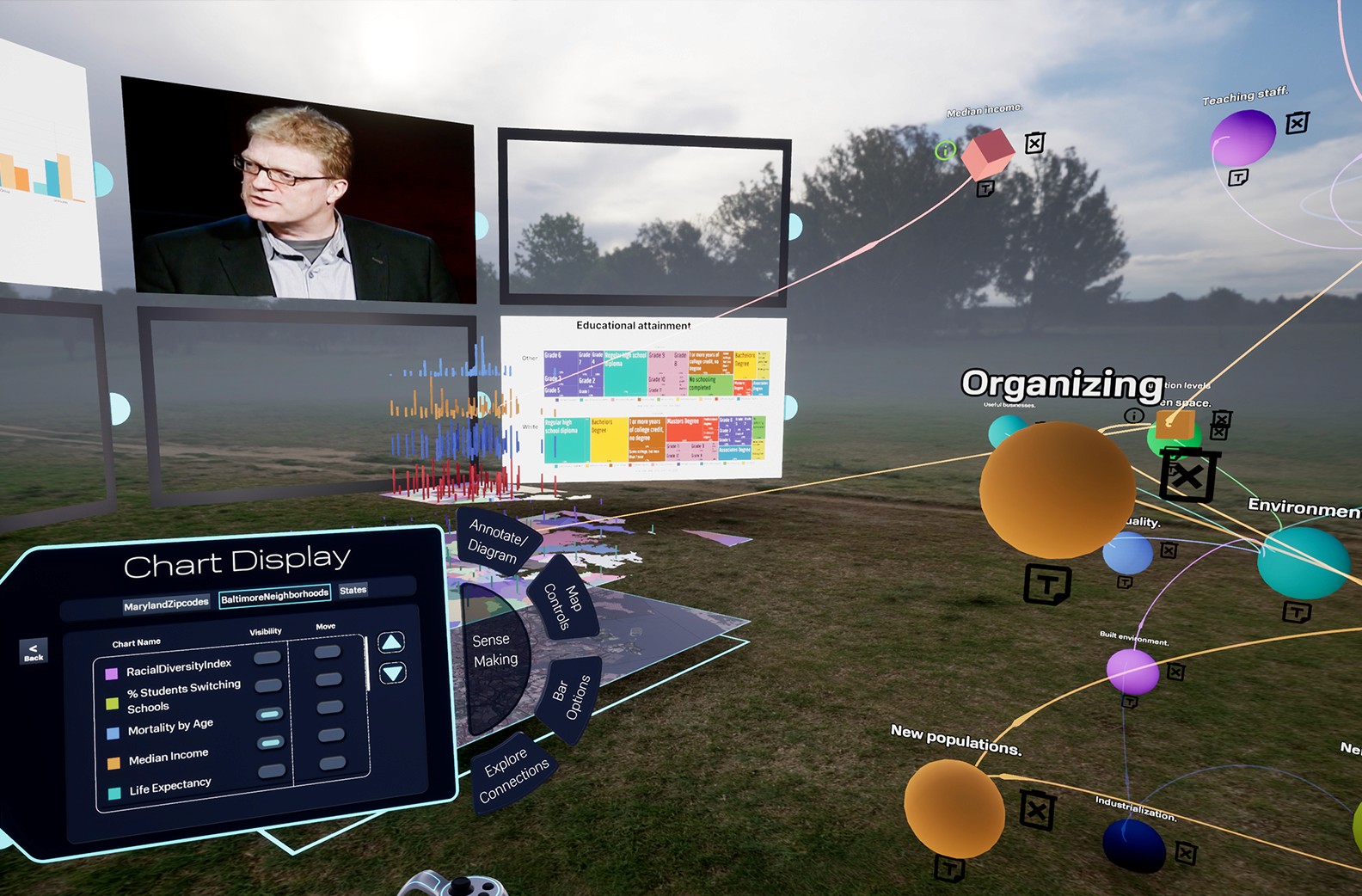
REVLR did not have a structured control or settings system within its VR interface. The team also wanted the interface to remain minimal and grayscale, avoiding bright colors that would distract from the data visualization.

Critical Pain Points

Controls were complex and inconsistent, making navigation and actions in VR difficult

Users struggled with cognitive overload due to visual clutter and data-heavy backgrounds

No standardized control components or settings system existed across screens

Lack of structure reduced usability and cross-platform consistency (VR + web)
DESIGN PROCESS

01

Ideation

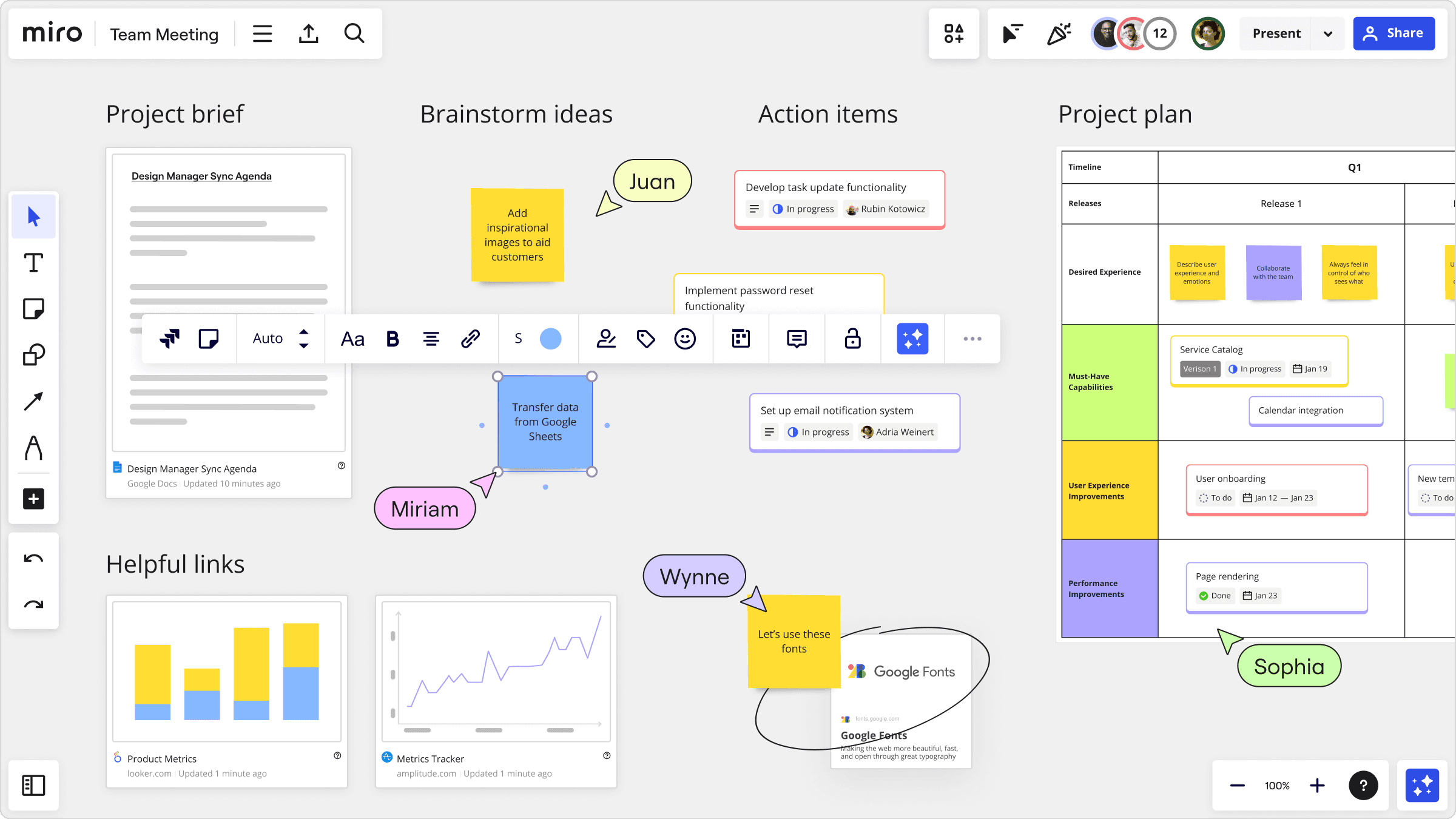
Working closely with engineers and directors, I explored multiple control concepts using Miro boards, focusing on action-based controls, spatial positioning, and interaction feedback. Early versions of the controls were too complex and inconsistent, creating friction for users. Drawing on human-centered principles, I iterated on layouts and interactions to simplify navigation and reduce cognitive load while maintaining clarity and visual neutrality.

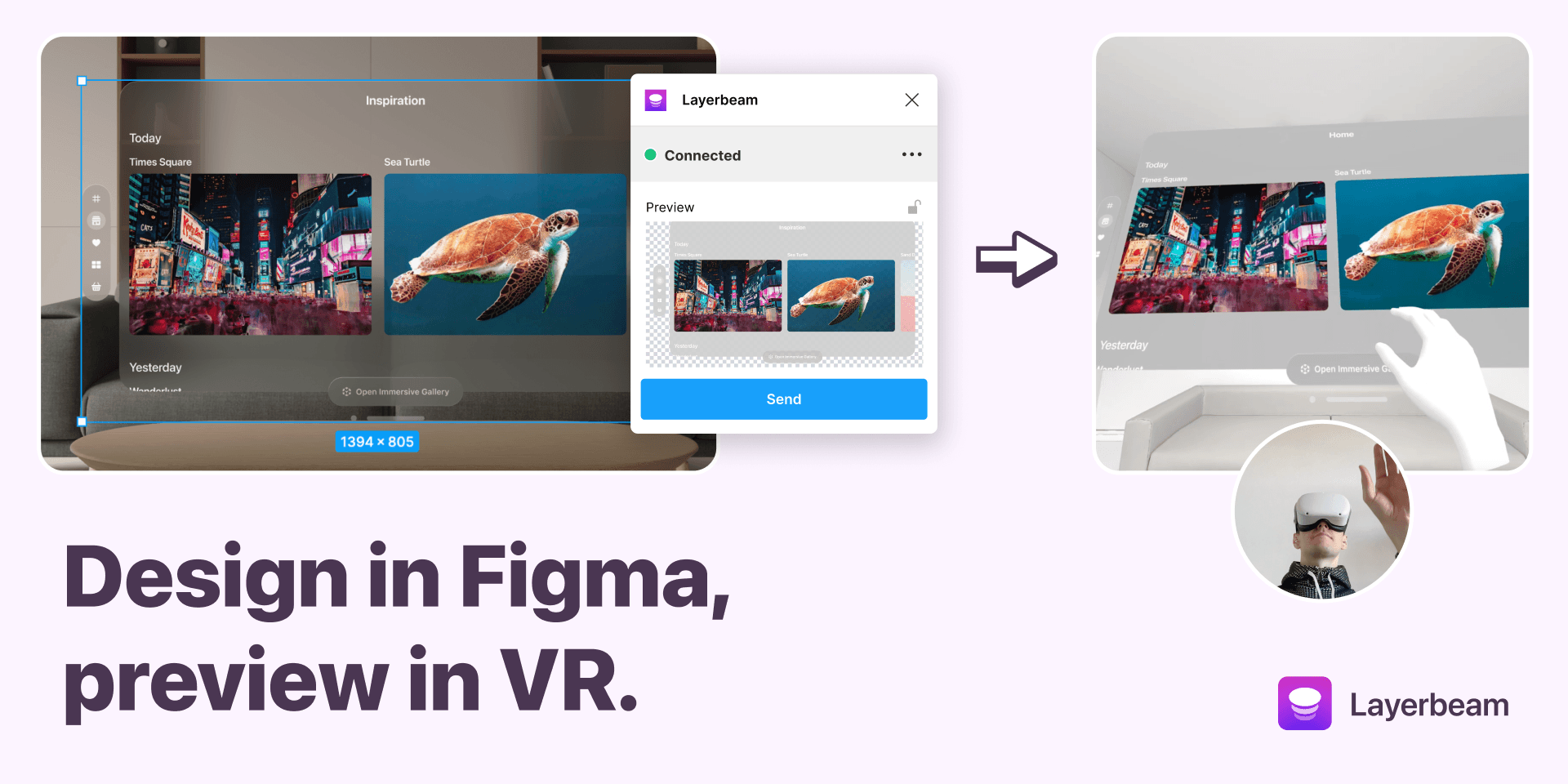
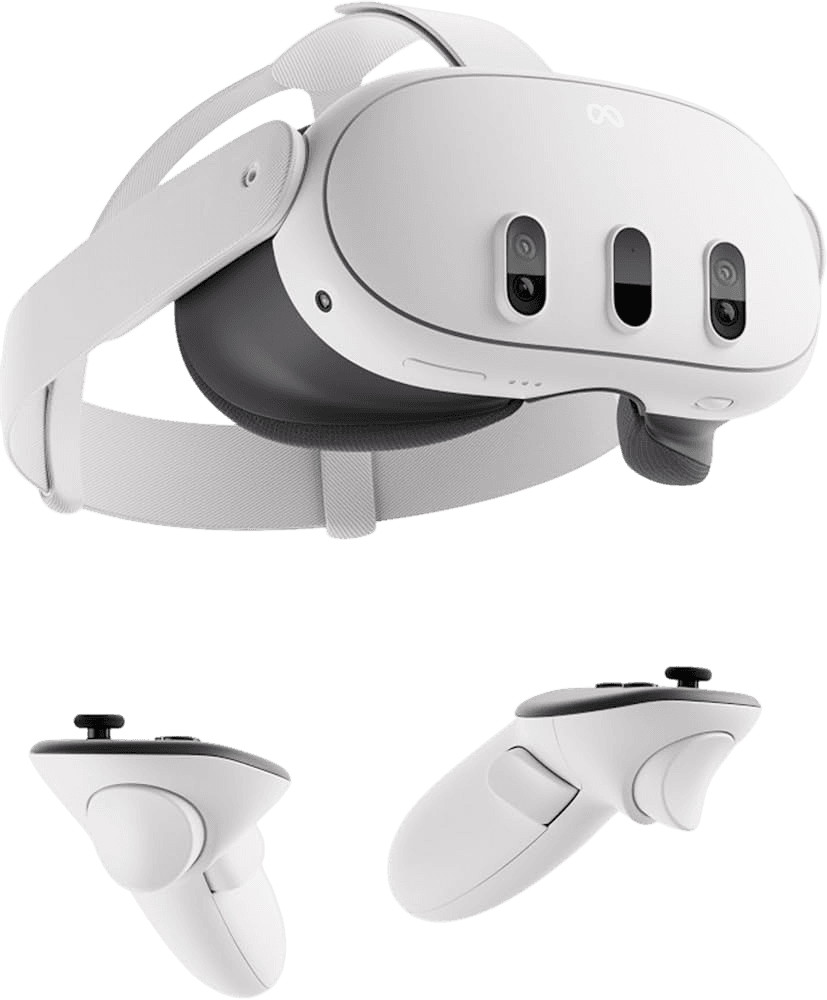
Prototypes were built in Framer with the Layerbeam VR plugin and tested directly on Meta Quest. This allowed me to refine contrast, element sizing, interaction feedback, and spatial positioning in real VR conditions. Continuous testing revealed how users interacted with complex data backgrounds, helping me simplify controls and improve discoverability.

I created a scalable design system for VR controls, including standardized components, grayscale interaction states, and consistent spacing optimized for both VR and web. The system ensured clarity, usability, and cross-platform consistency, and incorporated feedback from previous iterations and collaborative discussions with engineers and directors.

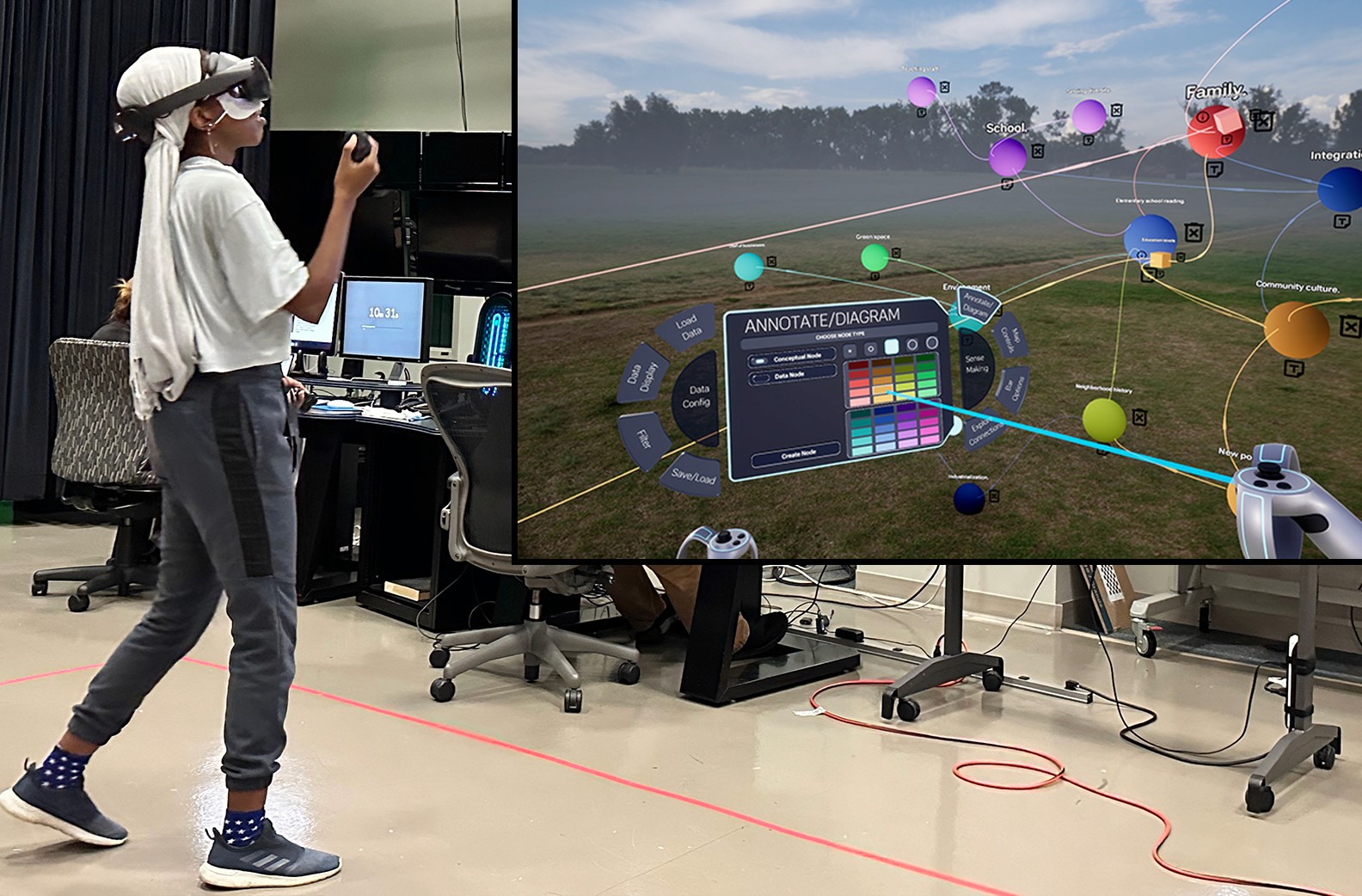
Before finalizing the designs, I conducted A/B testing and usability testing in VR. Users performed tasks using the new control system, which allowed me to evaluate discoverability, navigation, and task flow. Testing highlighted areas to refine and validate the interface, ensuring the final system was intuitive, visually clear, and easy to use across platforms.

Final Solution

I designed a minimal, grayscale VR control system that served as the central interaction layer within a data-rich environment, allowing users to navigate, perform actions, and adjust settings intuitively. The system included standardized components, consistent interaction feedback, and layouts optimized for VR and web, ensuring clarity, ease of use, and a seamless immersive experience.

Key Learnings

Interaction feedback is critical in spatial interfaces

Interaction feedback is critical in spatial interfaces

Design systems are essential for emerging technologies like VR

Design systems are essential for emerging technologies like VR

Minimal, consistent design reduces cognitive load

Minimal, consistent design reduces cognitive load

REFLECTION

This project reinforced the importance of testing designs directly in VR environments. Conducting user interviews and recording sessions provided detailed feedback that informed iterative improvements. A/B testing proved highly effective for refining control layouts and interaction patterns, while contrast checks and repeated iterations with engineers ensured that the controls were both usable and visually clear. The continuous feedback loop between testing, design, and engineering was critical in shaping a scalable, intuitive VR control system and emphasized the value of human-centered, iterative design in immersive environments.

Impact: This project strengthened my ability to design immersive, user-centered interfaces, reinforced the importance of collaborating closely with engineers and leveraging iterative testing, and gave me confidence in applying human-centered principles to emerging technologies like VR in future projects.
Design Solution

Integrated Wearable System

+

=

intuitive spatial feedback

+

Comprehensive environmental awareness

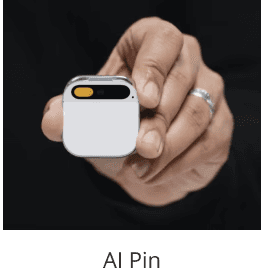
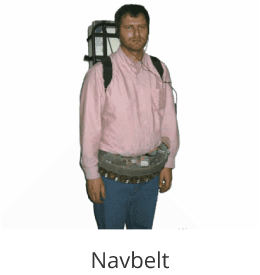
Core Innovation: Separated processing power (chest-mounted pin) from feedback delivery (belt-based vibrations) for optimal comfort and functionality.

Key Features

Voice-first interface
with minimal touch dependency

Real-time object detection
via AI-powered cameras

Vibrational navigation
through dedicated belt system

Local processing only
for complete privacy protection

Modular design
for easy maintenance

DESIGN PROCESS

Analyzed 15+ existing assistive technologies and their limitations through user feedback analysis. Discovered that fragmented solutions forced users to choose between comprehensive assistance and social comfort, creating dangerous navigation gaps.

01

Ideation

Working closely with engineers and directors, I explored multiple control concepts using Miro boards, focusing on action-based controls, spatial positioning, and interaction feedback. Early versions of the controls were too complex and inconsistent, creating friction for users. Drawing on human-centered principles, I iterated on layouts and interactions to simplify navigation and reduce cognitive load while maintaining clarity and visual neutrality.

Prototypes were built in Framer with the Layerbeam VR plugin and tested directly on Meta Quest. This allowed me to refine contrast, element sizing, interaction feedback, and spatial positioning in real VR conditions. Continuous testing revealed how users interacted with complex data backgrounds, helping me simplify controls and improve discoverability.

I created a scalable design system for VR controls, including standardized components, grayscale interaction states, and consistent spacing optimized for both VR and web. The system ensured clarity, usability, and cross-platform consistency, and incorporated feedback from previous iterations and collaborative discussions with engineers and directors.

Before finalizing the designs, I conducted A/B testing and usability testing in VR. Users performed tasks using the new control system, which allowed me to evaluate discoverability, navigation, and task flow. Testing highlighted areas to refine and validate the interface, ensuring the final system was intuitive, visually clear, and easy to use across platforms.

READY TO TRANSFORM YOUR IDEAS?

Lets make it happen together

© 2025 KEERTHANA RAVICHANDRAN | DESIGNED WITH LOVE

READY TO TRANSFORM YOUR IDEAS?

Lets make it happen together

© 2025 KEERTHANA RAVICHANDRAN | DESIGNED WITH LOVE

READY TO TRANSFORM YOUR IDEAS?

Lets make it happen together

© 2025 KEERTHANA RAVICHANDRAN | DESIGNED WITH LOVE

READY TO
TRANSFORM YOUR IDEAS?

Lets make it happen together

© 2025 KEERTHANA RAVICHANDRAN | DESIGNED WITH LOVE

Create a free website with Framer, the website builder loved by startups, designers and agencies.